
We've made this page where you can easily check which model of GaN charger will be compatible with your Laptop and other devices. We will make this a simple search page where you can search your laptop model and we will show you the specifications of the charger that your laptop requires.
Enter your laptop model name
| Model | Output | Pin |
|---|
What is a GaN Charger?
GaN stands for Gallium Nitride, and it's a semiconductor material being used in the design and development of new generations of chargers and power adapters. They offer fast charging support, multiple charging protocols, high-power density, and run cooler than a traditional silicone-based charger. The market has a huge range of GaN chargers starting as low as 40-45W and going as high as 200W, but you need to get a compatible charger with your laptop and devices. For this, you need to check the compatibility protocols and get the one that is appropriate for your devices.
What is the Benefit of using a GaN Charger?
GaN chargers are highly efficient. They not only offer faster charging times but also have high power density. They are cool even under high-load conditions, and most GaN chargers have multiple charging ports to support charging multiple devices at once. GaN chargers are also compact and more portable compared to standard laptop chargers which are usually bigger.
How to check which charger model will be compatible with my Laptop?
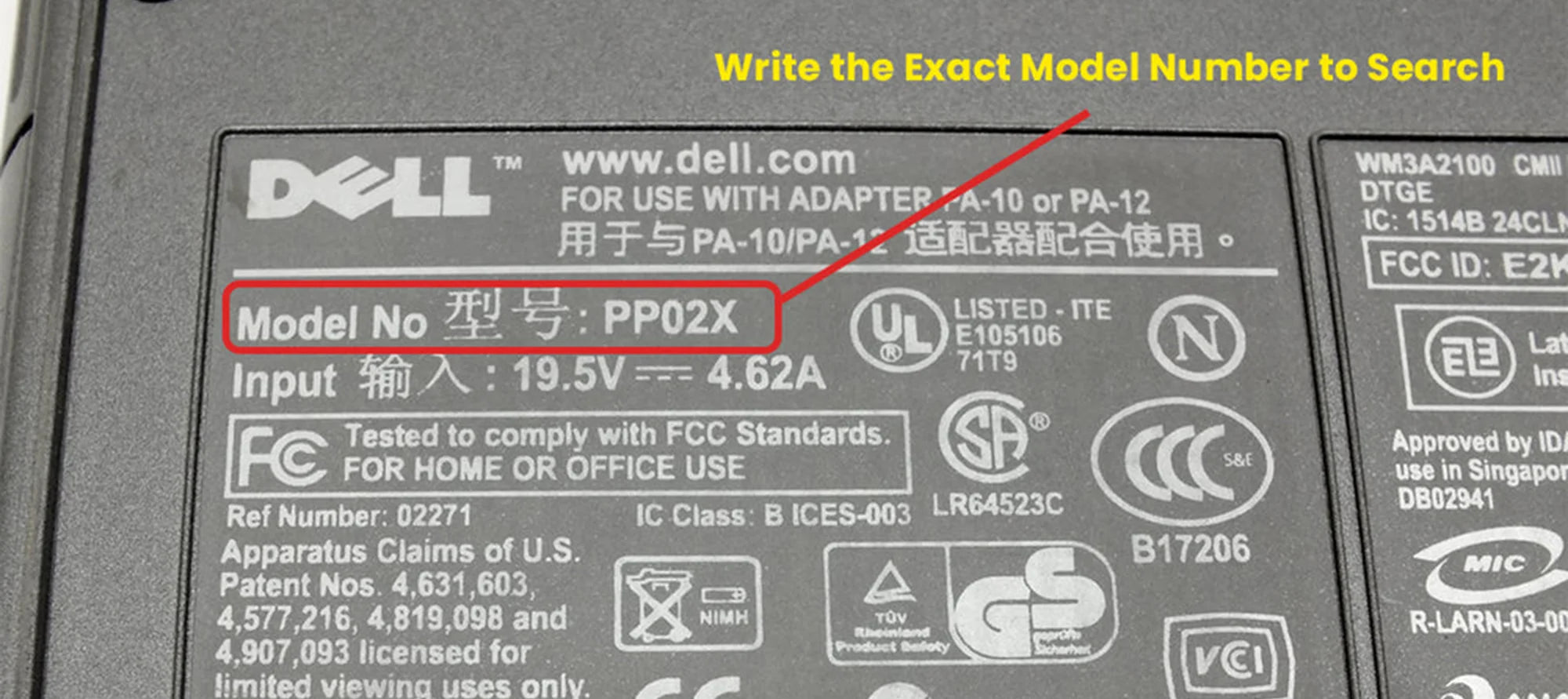
You need to know the exact model number of your laptop. For example, MSI Pulse 17 B13VGK-652IN, you can get this model number on the bottom of your laptop or the charger. Please enter the correct model number as every laptop has different charging specifications and a different charger won't be able to give you the full benefits of GaN Fast Charging speed if your laptop doesn't support it. Once you get the model number of your laptop, simply search it in the search box above and our database will suggest you a suitable charger for your laptop.
How can I check that the GaN charger recommended here is compatible with my Laptop?
You can check the specifications of your laptop's current charger. They are usually available on the sticker which is there on the charger. Check the Voltage in-out specs and match if the suggested GaN model has the same power specifications or not.
I bought a compatible GaN charger but my laptop is still charging slowly.
GaN chargers require high-speed USB connector cables. The transmission speed is fast so you require high-speed USB cables for proper charging speed with your Laptop and other devices. Make sure you use a high-speed USB cable with a GaN charger for the best experience.